
Jenny Mod Images: Screenshot Gallery
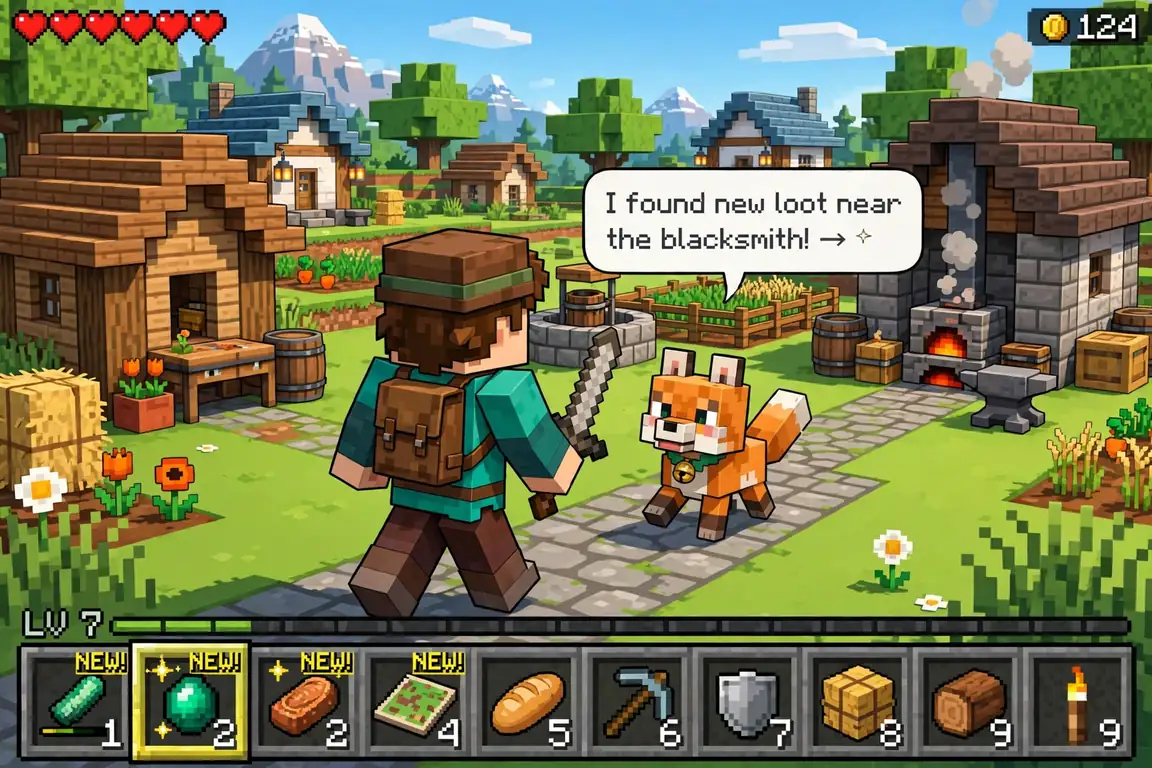
This gallery shows what Jenny Mod actually looks like in-game, so you know what to expect before downloading anything. Below you’ll find character screenshots, real gameplay moments, the key installation steps visualized, and side-by-side comparisons that answer the most common “which version?” questions at a glance.
A quick note on what you’re seeing: screenshots come from different community builds and setups, so your game may look slightly different depending on your version, texture packs, and whether shaders are enabled. Character availability also varies between releases — a character pictured here may not be in every build. For the full roster, see jenny mod characters.
Characters
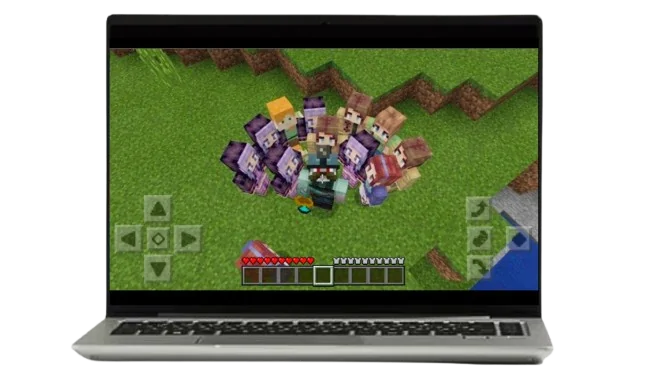
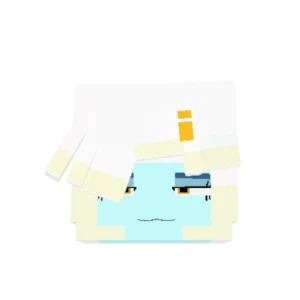

Gameplay


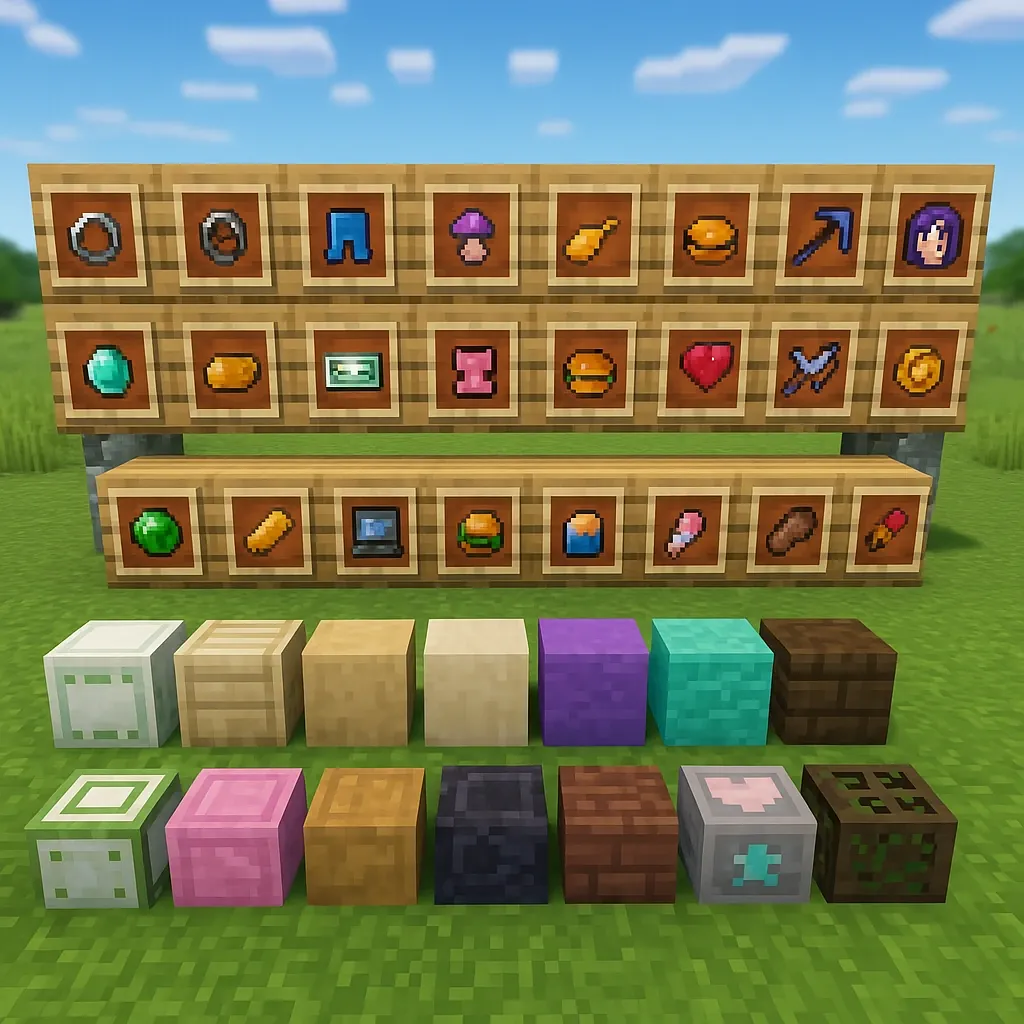
Installation Steps
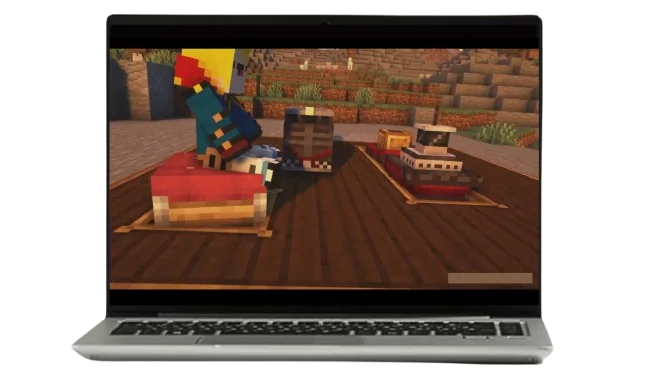


Comparison Shots
FAQs
Can I use these images for my own video or thumbnail?
Screenshots of the mod in your own game are yours to use. Images from this gallery that we created may be reused with credit; don’t re-upload other creators’ screenshots as your own.
Why does my game look different from these screenshots?
Different builds, texture packs, and shaders. The base mod is the same — the visual differences come from each player’s setup, not a different mod version.
Do all these characters come in one download?
No. Character availability varies between community releases and editions. Check your specific build’s character list before expecting every face you see here.
Are these screenshots from the latest version?
They come from recent community builds, but the mod has multiple active releases. Minor visual differences between builds are normal and don’t mean your install is broken.
Where can I download the mod shown in these images?
Use verified sources only — never random file links under a gallery. Start with our download page for safe, checked files.
Conclusion
That covers the visual side of Jenny Mod — characters, gameplay, installation, and edition differences. Ready to try it yourself? Start with jenny mod download for safe files, then follow how to install jenny mod to get set up.
