“Jenny Mod Skins & Custom Models: Complete Guide”
Players searching for Jenny Mod skins usually want one of three things: a different look for Jenny, a brand-new character model, or a way to make their own. This guide covers what skins and models actually change, where to find community-made ones without downloading malware, how to install them on Java and Bedrock, and how to build your own with free editors.
What Skins and Models Actually Change
The terms get mixed up constantly, so let’s separate them:
- A skin changes the texture — the colors and surface detail wrapped onto the existing 3D model. Same body shape, new look. Think of it as repainting a car.
- A model changes the geometry — the actual 3D shape: different hair, outfits, proportions, or entirely new characters. Think of it as a different car.
Most “Jenny Mod skins” shared online are really texture variants for the existing models. True custom models (new geometry) are rarer, usually built with Blockbench and the GeckoLib format on Java, and they replace or extend the character roster rather than just recoloring it. Knowing which one you’re downloading matters because skins and models install differently.
Where to Find Community Skins (Without the Malware)
The honest truth: there is no single official skin repository for Jenny Mod. Community skins circulate through Discord servers, modding forums, and file-sharing links — which is exactly where fake “skin pack” downloads bundled with adware also live. Protect yourself with these rules:
- Prefer texture files over installers. A real skin is a
.pngtexture (sometimes packed in a resource pack). Anything calling itself a “skin installer”.exeis not a skin. - Check the format before downloading. Java skins for Jenny Mod typically come as resource packs or texture overrides; Bedrock skins come in
.mcpackfiles. If the format doesn’t match your edition, walk away. - Scan everything. Even a
.pngcan be packaged with junk in the same archive. Scan the archive, then look inside it before extracting. - Beware “500 skins in one pack” claims. Enormous packs from unknown uploaders are a classic malware vector. Smaller packs from creators with a visible history are safer.
If a source also hosts the mod files themselves, cross-check it against the safety guidance in is jenny mod safe.
How to Install a Custom Skin or Model: Java Edition
The method depends on what you downloaded:
If it’s a resource pack (folder or .zip containing pack.mcmeta):
- Drop it into the
resourcepacksfolder (Win + R→%appdata%→.minecraft→resourcepacks). - Launch Minecraft with your Forge 1.12.2 profile.
- Options → Resource Packs → move it to the selected column, above other packs so it overrides correctly.
If it’s a texture override for the mod (loose .png files with a readme):
- Read the readme — it tells you the exact target folder, usually inside the mod’s config or a companion folder.
- Back up the original textures first so you can revert.
- Replace the files, keeping filenames exactly the same. A renamed texture won’t apply and can break the model’s rendering.
If it’s a true custom model (.jar or model files):
- Java custom models for Jenny Mod typically install like a mini-mod: into the
modsfolder alongside the main file. - They must target the same mod build and Minecraft version (1.12.2 + Forge). A model made for a different Jenny Mod release can break the base character’s rendering.
- Test in a fresh world before committing it to your main saves.
How to Install Skins on Bedrock and MCPE
Bedrock handles all of this through packs, which is simpler but less flexible:
- Import the
.mcpackskin/model pack through Minecraft — double-click it on Windows, or open it with Minecraft on mobile. - In your world’s settings, activate it under Resource Packs (and Behavior Packs if the download includes one).
- Order matters: place the skin pack above the base Jenny add-on so its textures win.
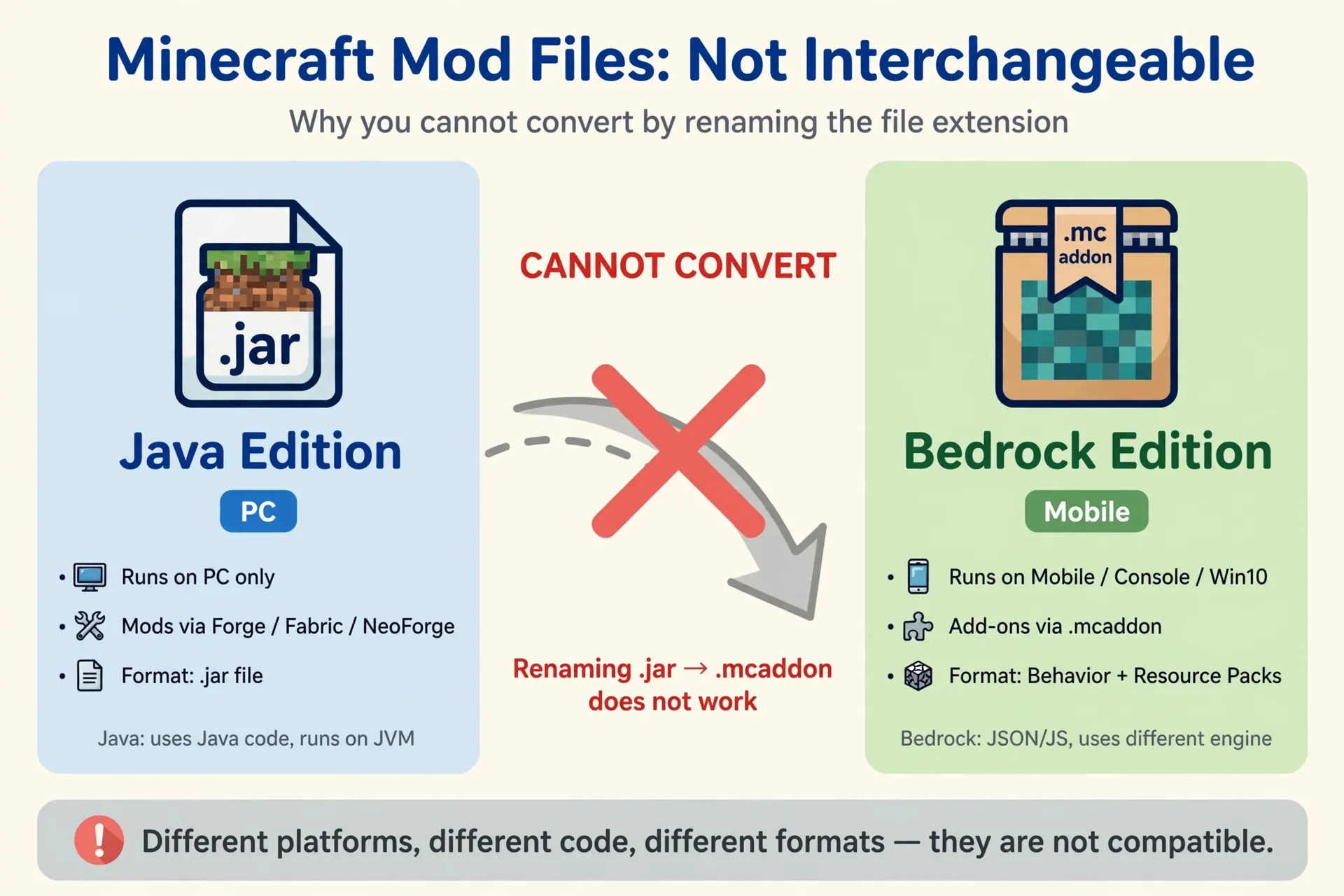
Bedrock skin packs cannot change model geometry the way Java custom models can — you’re limited to texture-level changes plus whatever the pack author included. Java-format skin files will never work on Bedrock, regardless of renaming. ## Making Your Own Skin: Free Editors
Making a retexture is genuinely approachable; making a new 3D model is advanced. Start with the skin.
NovaSkin (browser-based, free) is the easiest entry point: it shows a live 3D preview as you paint, works with standard Minecraft skin layouts, and exports a .png you can drop into a resource pack. PMCSkin3D is a solid alternative with similar live preview.
Practical workflow:
- Extract or download the base Jenny texture as your template so proportions match.
- Paint your variant in the editor, keeping the layout grid intact — shifting pixels off the grid is the #1 beginner mistake.
- Export as
.pngand test it in a resource pack in-game before sharing it anywhere.
For actual 3D models, Blockbench is the standard free tool, and Jenny Mod’s Java builds use the GeckoLib model format. This is real 3D work: bone hierarchies, animation controllers, pivot points. Expect a learning curve of days, not minutes — but Blockbench’s own tutorials plus the GeckoLib documentation will get you there.
Troubleshooting: Skin Not Showing
Run through these in order:
- Resource pack not activated. The most common cause on both editions. Check it’s in the selected/active column, not just present in the folder.
- Pack ordered below the base mod. On both Java and Bedrock, packs lower in the list lose to packs above them. Move your skin pack to the top.
- Wrong texture filename or path. For manual overrides, one renamed file or wrong subfolder means the game silently falls back to the default. Compare against the readme character by character.
- Skin made for a different model version. If the base mod updated its model geometry, older skins map onto the wrong UV layout and look broken. Get a skin made for your build.
- Cached textures. Rare, but if everything looks right and the old skin persists, restart the game fully (not just the world) to flush the texture cache.
For the underlying mod setup, the install guide is how to install jenny mod, and safe file sources are on jenny mod download.
FAQs
Are Jenny Mod skins free?
Community-made skins shared as texture files are free. Never pay for a “premium skin pack” from an unknown seller — and never run a “skin installer” program, which is a common malware disguise.
Can I use any Minecraft skin with Jenny Mod?
No. Standard player skins (64×64 Steve/Alex format) don’t map onto Jenny’s custom model. You need skins authored specifically for Jenny Mod’s model layout.
Do custom models work in multiplayer?
Only if the server also runs the same model files. Other players without the model will see the default appearance or nothing at all, depending on the setup.
Will a custom skin get me banned?
Skins are client-side cosmetics. On single-player and most servers they’re fine, but some servers restrict custom content — check the server’s rules. And standard caution applies: some releases contain mature content and are intended for adults 18+.
Why does my custom model look broken or stretched?
UV layout mismatch — the model or skin was made for a different version of the base character model than the one you have installed. Match the skin/model to your exact mod build.
Conclusion
Jenny Mod skins change textures, custom models change geometry, and the two install differently: resource packs and texture overrides on Java, .mcpack packs on Bedrock, with free editors like NovaSkin for DIY retextures and Blockbench for full 3D models. Match every download to your edition and mod build, activate packs in the right order, and you’ll avoid nearly every “skin not showing” headache. Browse the characters you’d be reskinning in jenny mod characters.