“Jenny Mod on Windows 11: Installation and Fix Guide”
Windows 11 introduces a handful of quirks that break Jenny Mod installs which worked fine on Windows 10: SmartScreen warnings, Defender flagging the .jar, OneDrive redirecting the Documents folder, and confusion between the Java launcher and the Microsoft Store (Bedrock) version. This guide covers exactly which edition you have, how to install on each, and how to fix every Windows 11-specific problem.
For the standard method that works on any Windows version, follow our main how to install Jenny Mod guide first, then apply the Windows 11 fixes below.
First: Which Minecraft Do You Have on Windows 11?
This is the step most people skip, and it causes half of all “not working” reports. Windows 11 PCs commonly have two different Minecrafts:
- Minecraft: Java Edition — bought from minecraft.net, launched from the Minecraft Launcher. This is the one that uses Forge and the Jenny Mod
.jarfile. - Minecraft for Windows (Bedrock) — bought from the Microsoft Store, launched from the Store/Xbox app. This one uses add-ons (
.mcaddon/.mcpack), never Forge.
Check yours now: if your launcher says “Minecraft Launcher” with Java Edition profiles, you’re on Java. If you installed it from the Microsoft Store, you’re on Bedrock. Everything below branches on this answer — the files are not interchangeable.
Installing Jenny Mod on Windows 11 (Java Edition)
The Java path is the same mod the community has used for years, with two Windows 11 wrinkles noted below.
- Install Java 8 (64-bit). Windows 11 does not ship with Java, and the Microsoft Store can suggest the wrong runtime. Download it from the official source and confirm with
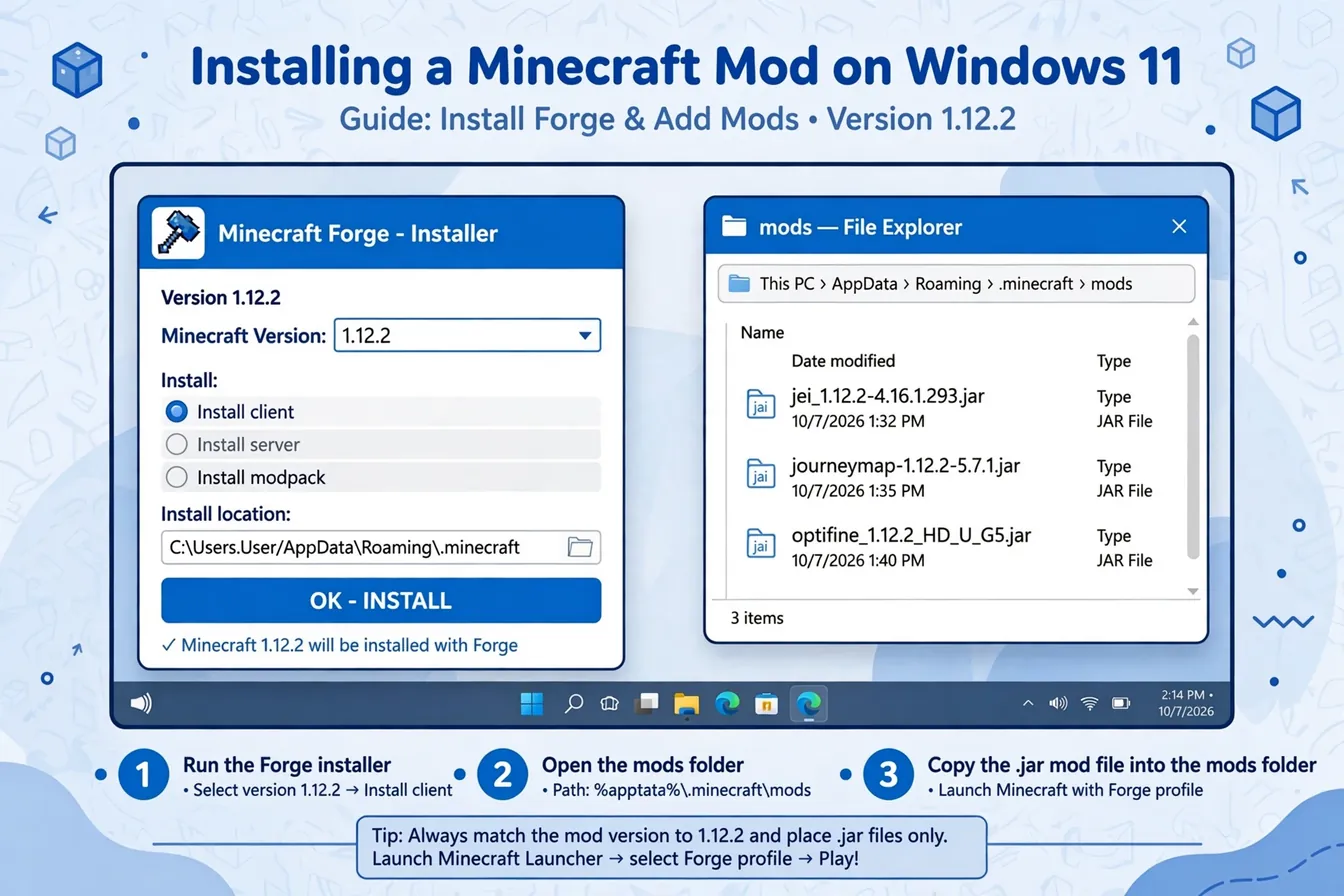
java -versionin a terminal. - Download the Minecraft Forge 1.12.2 installer and run it. Choose “Install client.” If Windows SmartScreen blocks it, see the next section — do not just disable your protection permanently.
- Open the Minecraft Launcher and select the new Forge 1.12.2 profile.
- Press
Win + R, type%appdata%, and open.minecraft. Create amodsfolder if there isn’t one. - Drop the Jenny Mod
.jarintomods, launch with the Forge profile, and create a test world.
For the detailed version of these steps, see how to install jenny mod. ## SmartScreen and Windows Defender: Handling False Positives Safely
Windows 11 is more aggressive than Windows 10 about unsigned files, so expect two warnings:
“Windows protected your PC” (SmartScreen) when running the Forge installer. This appears because the Forge installer isn’t code-signed the way Microsoft prefers — it is not evidence of malware. The safe way through: click More info, verify the file name matches the official Forge installer you downloaded, then Run anyway. Never do this for a file you didn’t deliberately download from the official source.
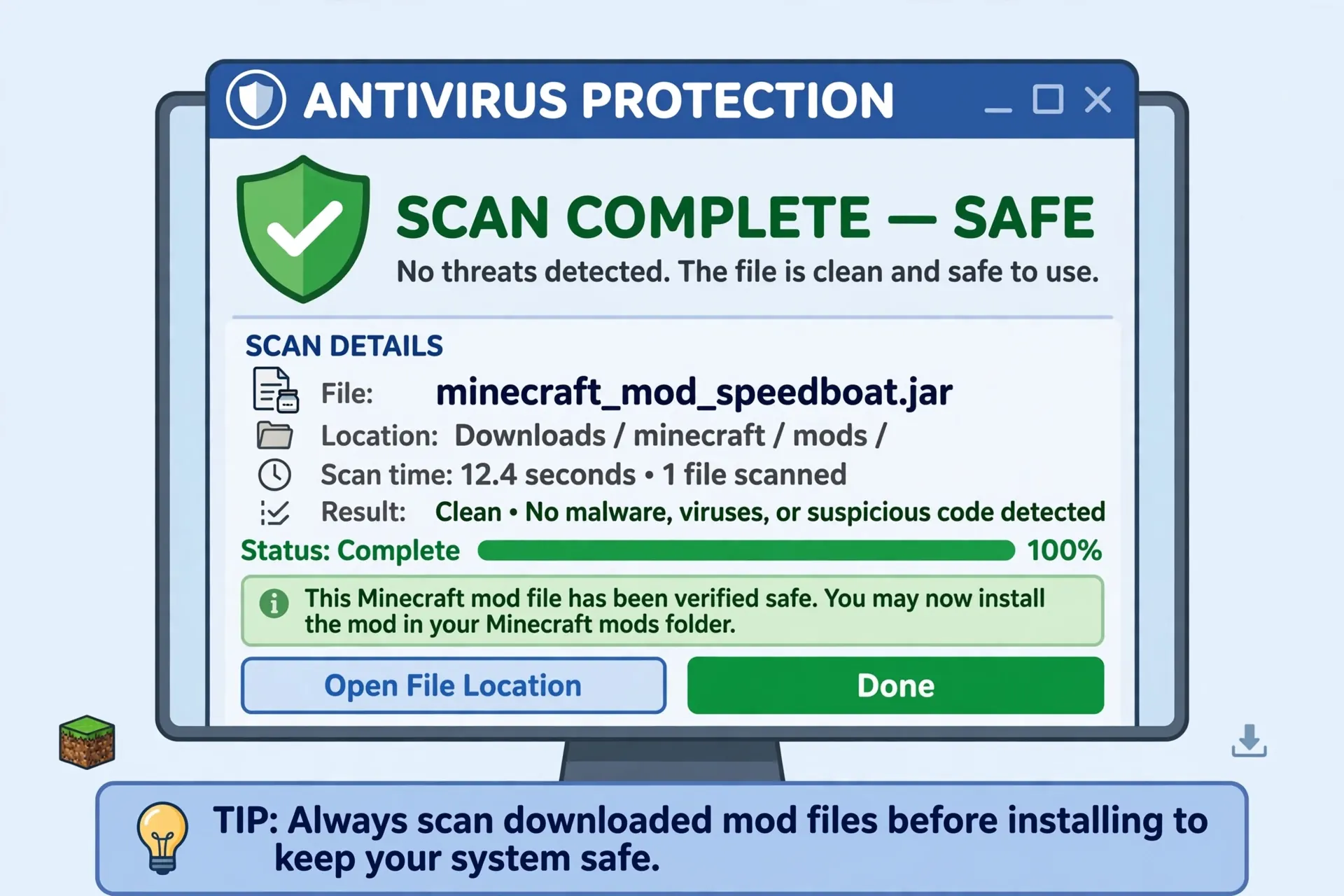
Defender quarantining the Jenny Mod .jar. Community mod files sometimes trigger heuristic detections. The safe response is not to turn Defender off — it’s to verify first:
- Check the file extension is
.jar(not.exe— a real Jenny Mod file is never an installer). - Check the size is a few megabytes, not a few kilobytes.
- Scan it with a second opinion scanner.
- Only then, add a folder exclusion for your
.minecraft/modsfolder — not a blanket exclusion, and never exclude your Downloads folder.
If a file demands you disable Defender entirely to install, delete it. Legitimate mod files never require that. More on verification in is jenny mod safe.
Common Windows 11-Only Issues (and Fixes)
OneDrive Moved Your Documents Folder
This is the sneakiest Windows 11 problem. If OneDrive’s “backup” is syncing your Documents folder, some launchers and tools resolve paths differently, and players end up with two .minecraft folders — the mod goes into one, the game reads the other. Symptoms: “I put the jar in mods and nothing happens” despite everything looking right.
Fix: Press Win + R, type %appdata%, and confirm you’re looking at the .minecraft the launcher actually uses (check the launcher’s installation settings for the game directory path). Put the mod there. If OneDrive keeps interfering, exclude .minecraft from syncing or move your game directory to a non-synced location in the launcher settings.
Controlled Folder Access Blocking Forge
Windows Security’s Controlled folder access (under Ransomware protection) can silently block the Forge installer or the launcher from writing files. Symptoms: Forge “installs” but no profile appears, or the game can’t save worlds.
Fix: Windows Security → Virus & threat protection → Ransomware protection → allow the Forge installer and javaw.exe through Controlled folder access. Don’t turn the feature off globally.
Wrong Java Version
Windows 11 machines often end up with a newer Java (17/21) from other software. Forge 1.12.2 needs Java 8. Symptoms: the game crashes immediately on the Forge profile, or Forge won’t install at all.
Fix: Install 64-bit Java 8, then in the Minecraft Launcher go to Installations → your Forge profile → More Options, and point the Java executable at the Java 8 javaw.exe.
Permissions: “Access Denied” on the Mods Folder
If .minecraft sits under a protected location or was created by another user account, drops into mods can silently fail. Fix: don’t run the launcher as administrator to work around it (that creates worse permission tangles). Instead, take ownership of the folder or relocate the game directory to somewhere your user owns, like C:\Games\Minecraft.

Jenny Mod on Windows 11 (Bedrock / Microsoft Store)
If your Minecraft came from the Microsoft Store, forget everything about Forge — it doesn’t apply. The Bedrock path on Windows 11:
- Download the Jenny add-on (
.mcaddonor.mcpack), not the.jar. - Double-click the file — it should open directly in Minecraft for Windows and import.
- Create or edit a world, and activate both the behavior pack and the resource pack in world settings.
- Enable any required experimental toggles the add-on asks for.
The #1 Bedrock failure on Windows 11 is importing the packs but never activating them — Jenny appears in the pack list but nothing changes in-game. The second is trying to use the Java .jar, which Bedrock cannot read at all. File types are covered in our download guide.
FAQs
Does Jenny Mod work on Windows 11?
Yes, on both editions. Java Edition needs Forge 1.12.2 and the .jar; the Microsoft Store (Bedrock) version needs the add-on (.mcaddon/.mcpack). The mod itself has no Windows 11 incompatibility — nearly all problems are SmartScreen, Defender, Java version, or OneDrive path issues covered above.
Why does Windows 11 say the Jenny Mod file is dangerous?
SmartScreen warns on all unsigned installers, and Defender heuristics sometimes flag community .jar files. Verify the file (correct extension, sane size, official source, second-opinion scan) and use a targeted folder exclusion rather than disabling protection.
My mods folder keeps “disappearing” — where did it go?
OneDrive folder redirection is the usual cause on Windows 11. Confirm the launcher’s actual game directory in its installation settings and use %appdata% to reach the real .minecraft.
Can I use the Microsoft Store Minecraft with Forge?
No. The Store version is Bedrock and cannot run Forge or .jar mods. You need the Java Edition launcher from minecraft.net for the Forge path.
Do I need to reinstall everything when Windows updates?
No. Feature updates don’t remove .minecraft, but they can reset Defender exclusions and Controlled folder access allowances. If Jenny Mod “stops working” right after a Windows update, re-check those two settings first.
Conclusion
Jenny Mod runs fine on Windows 11 — the operating system just adds friction in predictable places: SmartScreen on the Forge installer, Defender heuristics on the .jar, Java version mismatches, OneDrive path confusion, and the Java-vs-Store edition trap. Work through the fixes above in order and you’ll resolve nearly every case. For the complete install walkthrough see how to install jenny mod, and if the game loads but the mod misbehaves, continue with jenny mod not working.